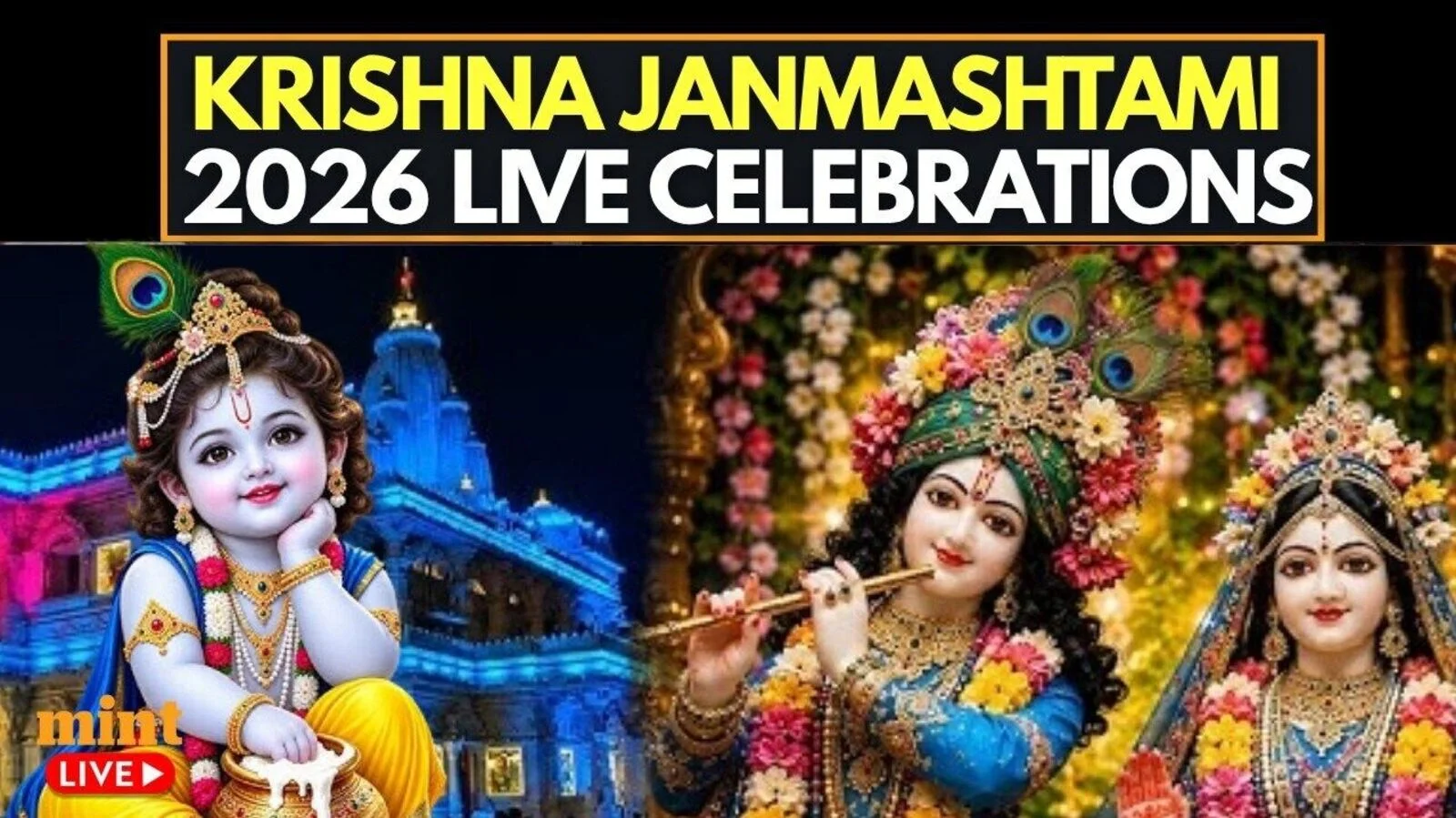
Happy Janmashtami: Loved a forwarded WhatsApp Krishna video? Want to upload, share as your status? Step-by-step guide
Janmashtami 2026 celebrations are in full swing across India on Friday. Devotees are offering prayers to Lord Krishna, and devotional songs and midnight celebrations are being held on Janmashtami to mark the birth of Lord Krishna. Along with traditional festivities, there are also a lot of beautiful greetings and videos celebrating Krishna on messaging and social media platforms.
You can share a lovely Krishna video with friends and family as a WhatsApp status in just a few steps if you have received it on WhatsApp. Here is a step-by-step process of downloading, saving and uploading a Janmashtami video.
How to download a Krishna video for WhatsApp Status
If the video has been sent to you via WhatsApp, see if it is saved in the gallery of your phone. You can set up WhatsApp to automatically save received media, based on your media settings.
If you want to view videos from the websites or open platforms, download them from the platform itself, if available. Don’t download or repost videos without their permission. Canva and Pexels are some of the websites that provide festive video content that can be used according to the respective licence provisions.
- Log in to the platform that the video is shared on to view it.
- Tap the download or save option, if available.
- Look in the Gallery or Photos application on the phone.
- If the video does not belong to you, be sure to get permission to repost it.
How to upload a Janmashtami video on WhatsApp Status
After saving the Krishna video on your phone, go through the following steps:
- Open WhatsApp on your smartphone.
- Click on the Updates tab.
- Click on Add Status or your profile picture next to Status.
- Choose the Janmashtami video from your gallery.
- Include a celebratory caption, emoji or words if desired.
- Choose which status privacy you wish to use.
- Click on the Share button.
The video of your Happy Janmashtami 2026 will then be seen by the audience you chose in your WhatsApp Status.
Want to create your own Krishna-themed video?
Besides forwarding a pre-recorded video, you can customise a Janmashtami greeting. Short festive clips can be created using AI tools, but use caution with personal photos.
You can, for example, create a simple animation featuring Lord Krishna, a flute, peacock feathers, diyas and a festive background, and add a Janmashtami greeting before sharing it. A brief video with a Krishna theme can be a simple way to greet friends and family with a happy Janmashtami 2026.


