Lunar Eclipse 2026: Six pro tips to capture blood moon’s best shots with a smartphone
The partial lunar eclipse, also known as a ‘Blood Moon’, is ongoing and cosmic enthusiasts are wondering how to capture the best shot with their smartphone. To capture this extraordinary event in which the Earth aligns between the Sun and the Moon, sky gazers just need a phone and a few tips to make the most of it.
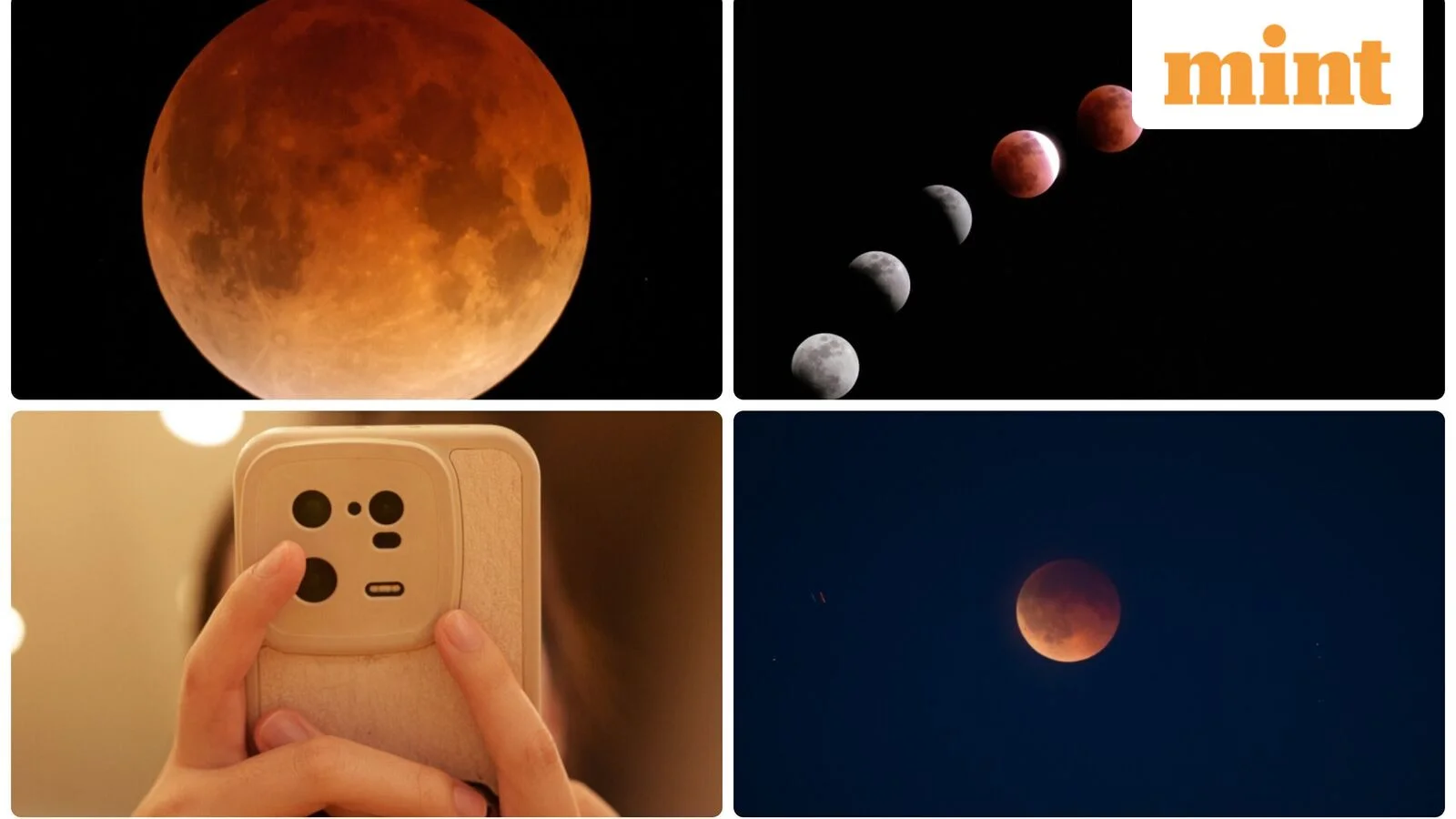
Cosmic enthusiasts can see the Earth casting a shadow on Moon, turning the lunar surface into a stunning red-orange display. This cosmic event is visible from much of North and South America and parts of Europe and Africa, according to National Aeronautics and Space Administration (NASA).
“At maximum eclipse, about 93% of the Moon’s diameter will be inside Earth’s dark central shadow, called the umbra. The Moon will not be completely covered, but it can look dramatically darkened, with a rusty, coppery tint along the covered edge,” the space agency said.
Given below are the timings in UTC for the lunar eclipse which change with time zone:
Penumbral eclipse begins: 01:24 UTC
Partial lunar eclipse begins: 03:34 UTC
Greatest eclipse: 04:13 UTC
Penumbral ends: 07:02 UTC
How to use phone’s camera modes to get clearer picture
To capture a memorable picture of the celestial event, change phone’s auto settings to ‘night mode’ or ‘astrophotography mode’. If this feature isn’t available, select manual or ‘pro’ mode and change the exposure time, ISO, white balance and other settings.
How to avoid moontrailing
There is no need to worry about sturdy shots even in the absence of tripod as simple hack can solve the problem. The tip is to prop smartphone up against a wall or any other stable object, so that the device is steady when capturing magnificent shots.
How to capture magnified shots
With the help of a telescope or a pair of binoculars one can capture magnified shots of the lunar eclipse. Attempt ‘afocal photography’ by placing phone’s camera down the eyepiece. Although this is tricky, but a smartphone telescope adapter will give best results.
How to set camera’s focus on moon
Once the Moon is centred in smartphone’s screen, tap on it and select lock the focus option.
How to change exposure and ISO for best shot
Many a times the Moon ends up looking like a featureless white blob when captured with smartphones because of its over-exposure. To address this issue, low ISO must be set when the moon is bright and vice versa when the Moon is dim during totality
Will zoom in feature give better results
No, zoom in feature will not give better results as it can distort pixels. The best move is to capture the image without zoom even if the moon looks tiny and then crop and zoom later on computer using picture-editing software like Photoshop or GIMP.


